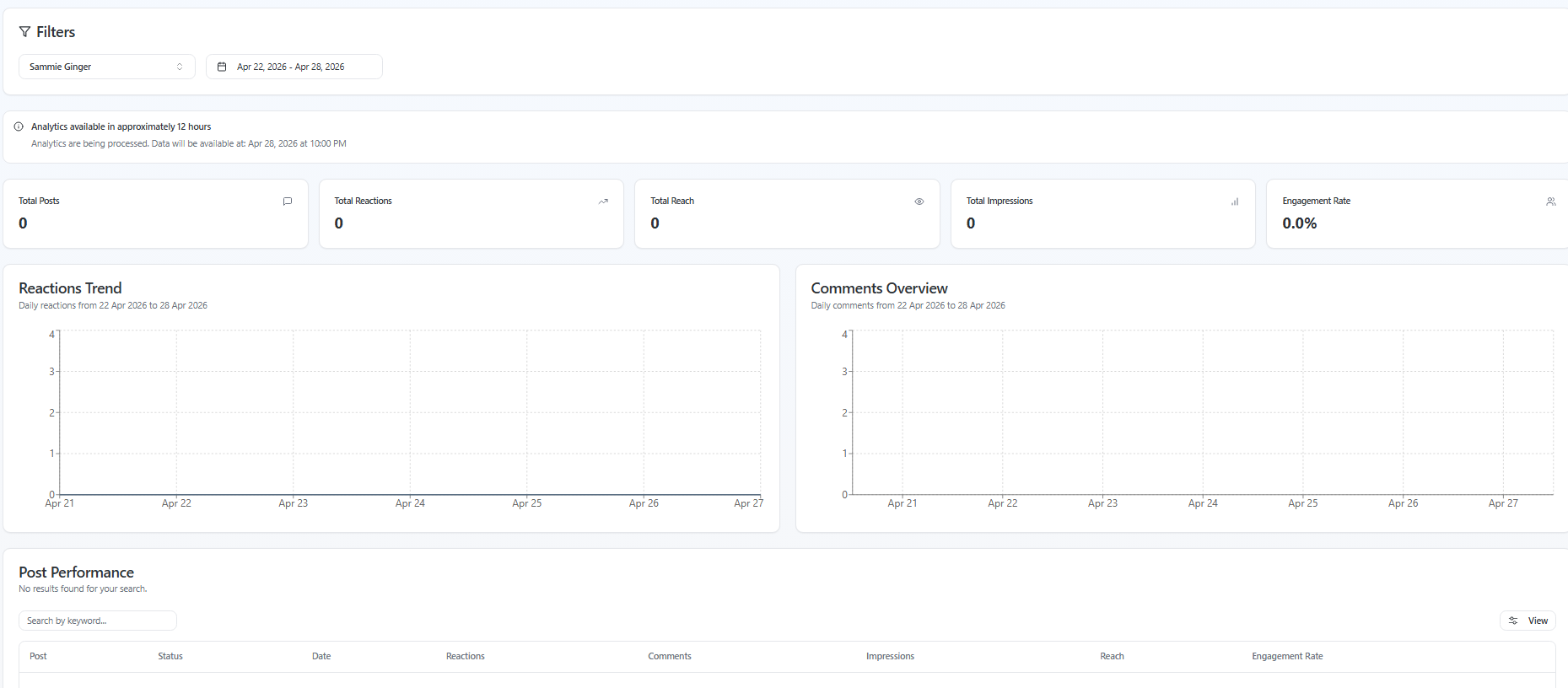
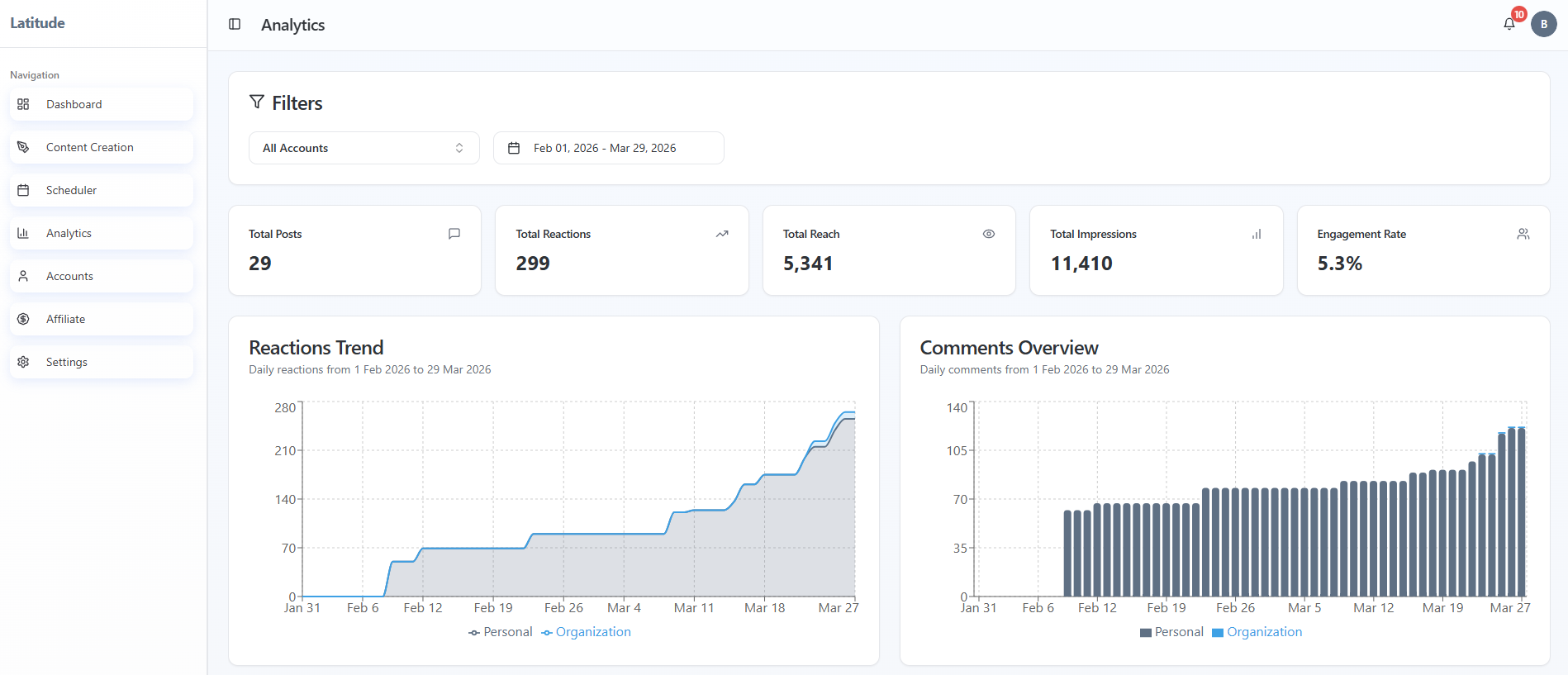
Latitude analytics update on a schedule and depend on your LinkedIn connection, so what you're seeing is often just timing or setup.
Quick checklist (start here)
Have you clicked Enable Analytics for this account?
- Has it been less than a full day since your last post or connection?
- Are you looking at the correct account and date range?
- Are you expecting data from older posts?
When analytics update
Latitude analytics update once per day, not in real time.
What to expect:
Data refreshes at a set time each day
- You'll see a message showing when the next update will be available
- New posts may not appear until the next refresh cycle
If you just posted something, it's normal for metrics to show as 0 until the next update.
Why your numbers may look different from LinkedIn
Latitude is designed to give you a clean, consistent view - but it may not always match LinkedIn exactly.
This can happen because:
- LinkedIn updates some metrics in real time, while Latitude updates daily
- Data may be limited by API access or temporary connection issues
- Some data is still being refined as we improve coverage
If you want the most detailed, real-time view, we recommend checking directly on LinkedIn alongside Latitude.
What your metrics mean
Your dashboard shows a summary of performance over your selected timeframe:
- Total Posts -> how many posts were published
- Total Reactions -> likes and reactions across posts
- Total Reach -> how many people saw your posts
- Total Impressions -> total views of your posts
- Engagement Rate -> calculated by LinkedIn based on interactions and views
All metrics update together once per day.
Timeframe matters
Your analytics are based on the date range you select.
What to check:
Make sure the timeframe includes the posts you're expecting
- Recent posts may not show data yet if the next refresh hasn't happened
- Older posts may not appear if they fall outside your selected range
Also important:
- Latitude does not backfill analytics for older posts beyond its data window
Most common reasons analytics look "wrong"
These are the most common (and usually expected) causes:
- Analytics haven't been enabled yet
The daily refresh hasn't happened yet
The wrong account is selected
The date range doesn't include your posts
In most cases, nothing is broken - it just hasn't updated yet.
What to do if something still looks off
Wait for the next daily refresh
- Double-check:
- Account selection
- Date range
- Analytics are enabled
- Compare with LinkedIn for real-time numbers
If it still doesn't match after a full refresh cycle, reach out to support and we'll take a closer look.
One important thing to remember
Latitude analytics are designed for consistent daily insights, not real-time tracking.
Once you understand the refresh cycle, the numbers will start to make a lot more sense.
Screenshots if needed